
Laptop repair
Laptop maintenance
If your laptop is noisy, shuts down randomly, or hasn't been serviced for more than two years, bring it to us! Our technicians will carry out full maintenance and a thermal paste change to return your device to quiet, reliable operation.
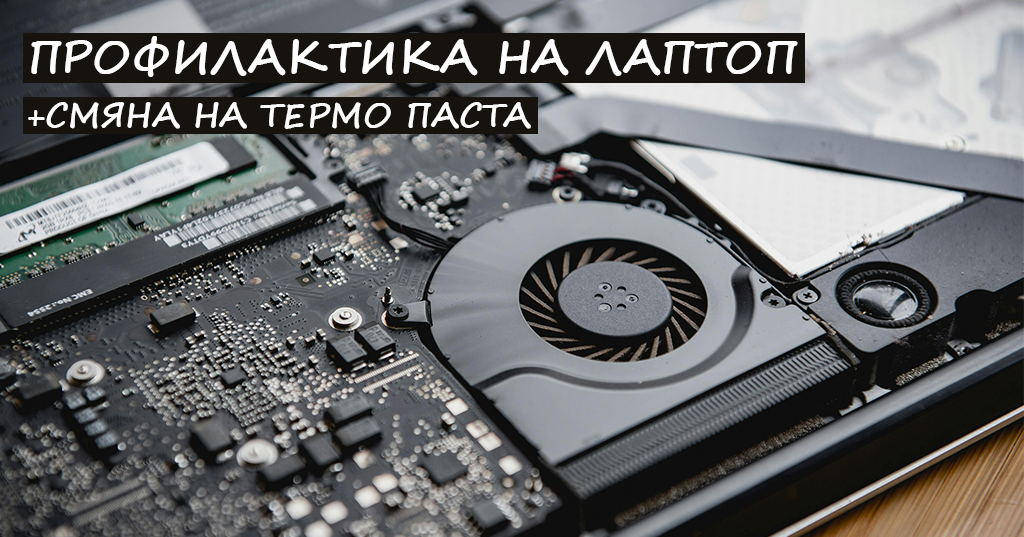
What is maintenance?
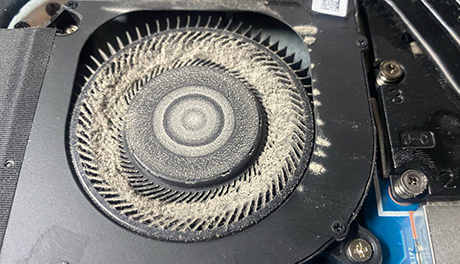
Laptop maintenance is complete care for the device — it includes dust cleaning, a thermal paste change and, if needed, liquid metal and thermal pad replacement. The goal is to prevent overheating, fan noise, random shutdowns and reduced performance.
Regular maintenance extends the laptop's life and ensures a quiet, efficient and reliable device.
Process and timeframe
- Drop-off — 6 Ivan Momchilov St. or via Econt / Speedy
- Diagnostics and a price quote
- Maintenance — 1–3 working days
- Testing and return in store or by courier
What do we use during maintenance?
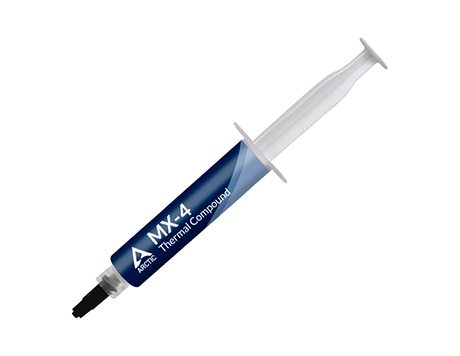
Thermal paste (MX-4)
Thermal paste is applied between the processor (CPU) / graphics card (GPU) and the cooling system. It ensures efficient heat transfer and prevents overheating. In our shop we use high-quality MX-4 thermal paste.
Over time even the best thermal paste dries out and loses effectiveness — which leads to higher temperatures, noise and reduced performance.
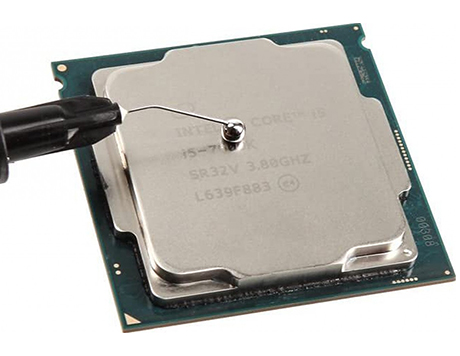
Liquid metal
Liquid metal is a high-efficiency thermal compound with better heat transfer than traditional thermal paste. It lets components run at lower temperatures even under heavy load.
- Better heat dissipation
- Reduced fan noise
- Improved stability under heavy tasks
Important: Liquid metal conducts electricity — it must be applied by an experienced technician.
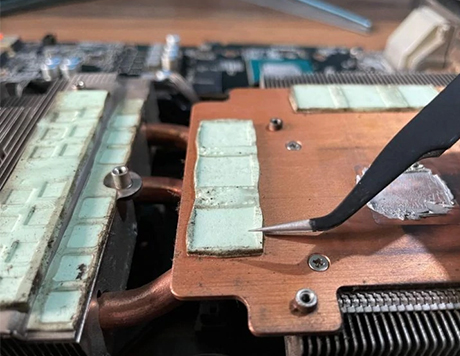
Thermal pads
Thermal pads are heat-conductive pads that transfer heat from chips and chipsets to the cooling system — where thermal paste doesn't reach.
- Improve heat transfer and reduce overheating
- Reduce fan noise
- Extend the life of the components
Risks of skipping maintenance
- Overheating — the laptop shuts down automatically
- Noisy fan — maximum RPM when clogged with dust
- Slowdowns and lag at high temperature
- Risk of damage to the motherboard or GPU
We accept repairs from all over Bulgaria
Not in Veliko Tarnovo? Send your device via Econt or Speedy — we repair it and ship it back to your local office.